Free alt text checker
Find every image your screen-reader users can’t see. Fix it in one click.
Paste a page address. Altpass reads every image, scores the page, and writes alt text that fits the context — so links make sense, charts get a summary, and decorative images stay quiet.
- Checks
<img>, image buttons, image maps and SVGs - Linked images judged by link purpose
- Decorative images recognised
What the checker finds
Six verdicts, each with a reason and a fix
Automated checks can’t judge whether alt text is accurate — only a person can. But they reliably catch the problems that leave screen-reader users guessing.
- Link or button with no name
An image is the only thing inside a link or button and has no alt text, so assistive tech announces a URL or nothing at all. These are the worst offenders — 45% of images missing alt on the top million home pages are linked images (WebAIM, 2026).
- Missing alt
No
altattribute at all. Many screen readers fall back to reading the file name: “IMG underscore 2041 dot jpeg”. - Empty alt on a meaningful-looking image
alt=""hides an image from screen readers. Fine for decoration — but a large content image or product photo probably shouldn’t be hidden. - Weak alt
File names, “image”, “photo”, “banner”, a lone “logo”, text that repeats the link next to it, alt identical to the title attribute, or descriptions over 150 characters.
- Has alt text
Passes the automated checks. Worth a human glance to confirm it says the right thing.
- Decorative (correct)
Correctly hidden with
alt="",aria-hiddenorrole="presentation", including icons inside links that already have text.
The page score weights every image equally, except link-or-button failures, which count double. How the score is calculated.
How generation works
Alt text that knows where the image sits
Generic image describers see pixels. Altpass also reads the page: its title, the nearest heading, the text around the image, and — when the image is a link — where the link goes.
Context in
We send the image with its page context and your preferences: language (22 to choose from), length limit, tone, and brand names to use when they apply.
Decide first
The model classifies the image and decides whether it’s decorative before writing anything. Links get their purpose; charts get a summary plus a long description.
You approve
Every suggestion comes with confidence notes (“contains text — check spelling”) and lands unapproved. Edit, approve, export.
Real output, unedited
These three suggestions are exactly what Altpass returned during our quality tests (images: public domain, via Wikimedia Commons).
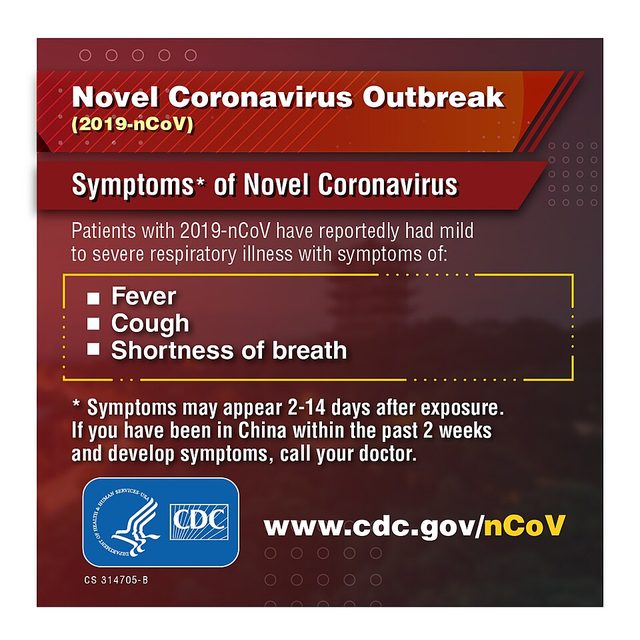
<img src="infographic-symptoms.jpg"> — a screen reader says “infographic-symptoms dot jpg, image”.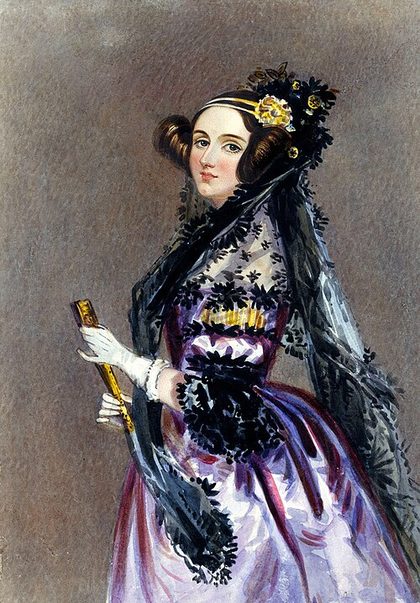
alt="portrait.jpg" — flagged as a file name.
<img src="divider_ornament.png"> — read aloud as a file name.alt="" — decorative.Model’s reason“The image is an ornament or divider that visually separates sections of text. It does not convey any meaningful information that is not already present in the surrounding text.”Linked images get their destination, not a description: Tartine Bakery’s logo-only home link came back as “Tartine Bakery home”; a newsletter promo banner as “Sign up to BBC News Briefing”. See all 49 test cases and how we scored them.
For developers and agencies
Audit a whole site. Fix each image once.
Give Altpass a domain or sitemap. It reads your sitemap (or crawls same-site links), checks every page, and groups results by unique image — so a logo used on 200 pages is one fix, not 200.
- Progress you can watch, pause and resume — up to 10,000 pages on Agency.
- Bulk-generate, edit and approve in one table.
- Export CSV or JSON with
page_url, image_url, current_alt, issue, suggested_alt, decorative, approved— ready for your CMS import or a ticket.
page_url,image_url,current_alt,issue,suggested_alt,decorative,approved
/shop,/img/sale.jpg,(none),Linked image with no accessible name,Shop the summer sale,no,yes
/about,/img/rule.png,(none),Missing alt,,yes,yes
/blog/q3,/img/q3.png,chart,Weak alt (generic),Bar chart of Q3 sales by region; EMEA up 12%,no,no
Can’t edit the source this week?
One line that fills the gaps — honestly
Add the fix script and Altpass applies the alt text you approved to matching images that have missing or weak alt, including images that load lazily.
<script src="https://altpass-api.hrishikesh.workers.dev/v1/fix.js?site=YOUR_SITE_ID" defer></script>- Never overwrites good alt text you already have.
- Small, cached at the edge for an hour, no widget or toolbar.
- Works only while your license is active.
What it isn’t: a substitute for fixing your HTML. Runtime injection helps screen-reader users today, but search engines and other tools may not see it, and it doesn’t make a site compliant. Use the CSV export to put the same alt text into your CMS. Overlays vs fixing the source.
Pricing
Checking is free. Pay for what you fix.
One credit = one AI-written alt text. Plans renew monthly through Gumroad; cancel anytime, 14-day refund.
Free
Free
Check any page, fix the worst images.
- Unlimited single-page checks
- 25 AI alt texts a month
- CSV export of a page check
- No sign-up
Starter
$9 / month
One site, done properly.
- 500 AI alt texts a month
- 1 site
- Site audits up to 100 pages
- Approve & edit, CSV/JSON export
- Runtime fix script
Pro
$29 / month
For growing stores and in-house teams.
- 3,000 AI alt texts a month
- 5 sites
- Site audits up to 1,000 pages
- Everything in Starter
- REST API
Agency
$79 / month
Client sites at volume.
- 15,000 AI alt texts a month
- Unlimited sites
- Site audits up to 10,000 pages
- Everything in Pro
- REST API
Compare plans in detail · Already bought? Add your license key
FAQ
Straight answers
Will Altpass make my website compliant?
No — and be wary of anyone who says a tool can. Text alternatives for images are one requirement, WCAG success criterion 1.1.1, among many others covering contrast, keyboard access, forms, captions and more. Altpass finds and fixes image problems quickly and gives you a record (CSV) of what changed. Treat it as one part of an accessibility programme that includes testing with real assistive technology. This isn’t legal advice.
What does WCAG 1.1.1 actually require?
“All non-text content that is presented to the user has a text alternative that serves the equivalent purpose”, with exceptions — for example, purely decorative images must be implemented so assistive technology can ignore them (W3C, Understanding SC 1.1.1). It’s Level A, the baseline.
Does the European Accessibility Act apply to my site?
The EAA has applied since 28 June 2025 and covers services such as e-commerce (Directive (EU) 2019/882, Art. 2 and 31). Its accessibility requirements include supplementing “any non-textual content with an alternative presentation” (Annex I). Microenterprises providing services — fewer than 10 people and annual turnover or balance sheet of €2 million or less — are exempt (Art. 4(5), Art. 3(23)). Each EU country enforces it through its own law, so check yours.
And in the United States?
The US Department of Justice’s guidance explains that the ADA’s requirements apply to the web content of businesses open to the public (ADA.gov guidance). Lawsuits are common: 3,117 website-accessibility suits were filed in federal court in 2025 (Seyfarth Shaw). Missing alt text is one of the most frequently detected failures — found on 53.1% of the top million home pages in 2026 (WebAIM Million).
When should an image have empty alt (alt="")?
When it’s purely decorative — dividers, background textures, flourishes — or when the same information is already in nearby text, such as an icon next to the word it represents. Empty alt tells screen readers to skip it; a missing alt attribute often makes them read the file name instead (W3C decorative images tutorial). Altpass flags images that look decorative and suggests alt="" rather than inventing a description.
Is AI-written alt text good enough?
It’s a strong first draft, not a final authority. Altpass gives the model the page title, nearest heading, surrounding text and link destination, so a linked logo becomes “Acme home” rather than “black text on white”. In our test of 49 real images, 37 suggestions were good as written and 12 needed a light edit (see the evaluation). That’s why every suggestion arrives unapproved: you review, edit and approve.
Is the fix script an “accessibility overlay”?
It’s deliberately narrow. The script only adds alt text that you approved to images whose alt is missing or weak — no widget, no toolbar, no attempt to rewrite your page. It helps screen-reader users right away, but the durable fix is updating your source or CMS, which is what the CSV export is for. Accessibility practitioners have documented the limits of overlays (Overlay Fact Sheet); we agree, and we don’t claim the script makes a site compliant.
Why doesn’t the checker see some of my images?
It reads the HTML your server sends. Images added later by JavaScript, CSS background images, pages behind a login, and sites that block automated requests won’t appear. We also respect robots.txt. If your site renders client-side, enable server-side rendering or check the pages your CMS pre-renders.
What counts as a credit?
One generated alt text for one image. Checking pages is free and unlimited (with a fair-use rate limit). Regenerating an image uses another credit; failed generations don’t. Credits reset on the 1st of each month and don’t roll over.
What do you store?
For free checks: nothing beyond a 10-minute cache. For paid audits: page URLs, image URLs, current alt text and the alt text you generate or approve — never image files. Details on the privacy page.